
· 2 min read
How to choose a listing cover photo and photo order
John's Island, FL
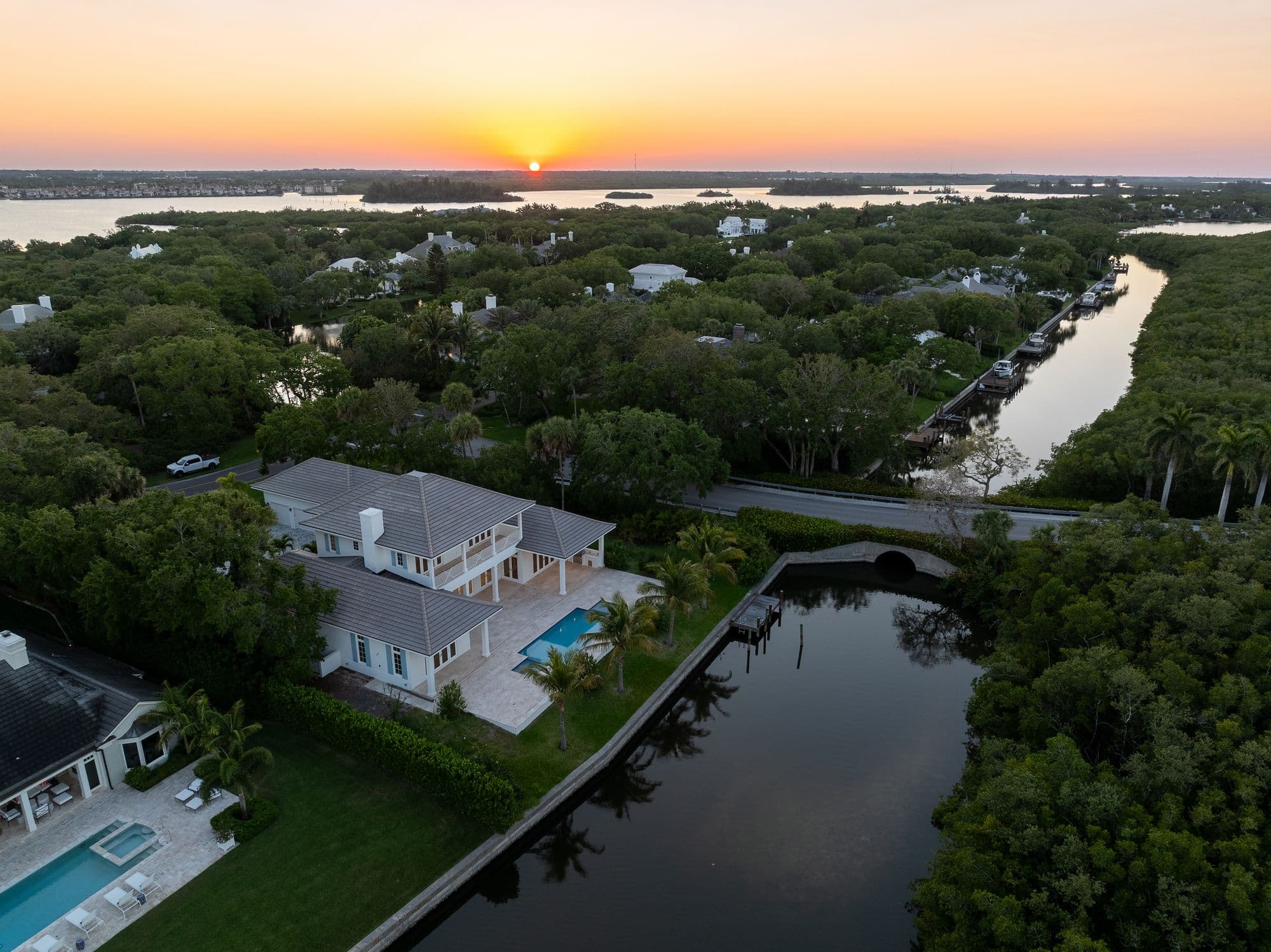
Your photos arrive, and the next decision is which one goes first. On a phone, a listing is one thumbnail in a feed of other homes, so the cover photo has one job: earn the tap. This post covers how to pick it, and how to order the rest so buyers keep scrolling.
Choose the cover for the thumbnail, not the portfolio
The best photo in the set is not always the best cover. A cover is seen small, next to other homes, so pick the image that reads clearly at thumbnail size: a strong subject, bright light, and nothing that needs a close look to understand. For most homes that is the front exterior or the single feature the home is known for.
Lead with what the home is known for
Open with the feature a buyer searching in that area is most likely looking for. A few starting points, which you should adjust to the actual home:
- Waterfront and Intracoastal homes: the water view or the back of the home facing the water.
- Oceanfront condos: the view from the main living area, with the building exterior close behind.
- Golf and resort communities: the exterior or the lanai and pool, depending on which looks stronger.
- Updated homes: the renovated kitchen, if it is the biggest change from other listings nearby.
- Everything else: the front exterior in good light.
Treat the first five photos as the pitch
Do not count on a buyer scrolling through every image. Put the strongest rooms early: the main living area, the kitchen, the primary suite, and the outdoor space. Keep bathrooms, closets, laundry rooms, and empty secondary bedrooms out of the first five.
Then order the rest like a walk-through
After the opening set, move through the home the way a visitor would: entry, living areas, kitchen, bedrooms, bathrooms, then outdoors and extras. Group similar photos together, and place twilight or aerial images where they add something new instead of stacking them at the end. Floor plans and a 3D tour, when the listing has them, belong with the main set, so buyers see the layout without hunting for it.
Check it on a phone
Before you publish, open the listing on your phone and scroll the first screen. If the cover and the next two photos do not make you want to keep going, swap one. It takes two minutes and catches most ordering problems.
Questions about a delivered gallery? Send the studio a message. To plan the shot list for your next listing, see the packages.